I went into a ComfyUI Minimax H3 rabbit hole this week, and had so much fun! Minimax H3 is an open source generative video model that has great video editing capabilities. Check out my insights as vfx compositor while putting myself as the Terminator on the movie.
BorisFX Silhouette - Collapse Object List Script
I have wanted this feature for about 15 years. You know the feeling: a Silhouette roto project with hundreds of layers, and you need to collapse all the main layers to find something in the Object List. Now you can. Assign it to a keyboard shortcut and boom.
Because the Python API has no direct way to do this, I had to dig into the Qt/PySide UI to find the correct panel and trigger the layer-expansion action.
Avatar: The Last Airbender Season 2
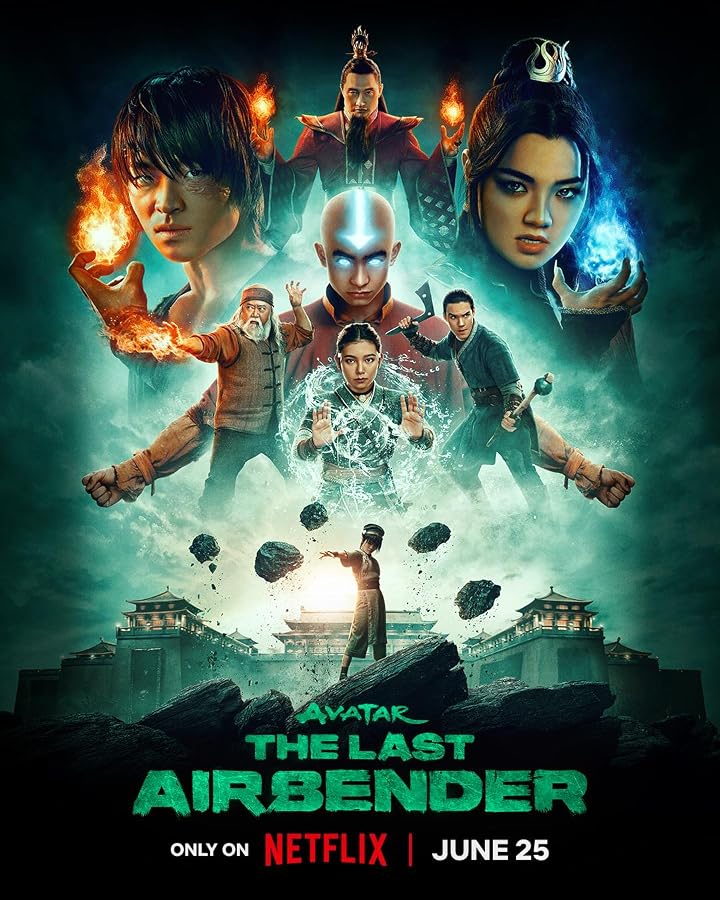
Credit: matchmove artist; paint artist; roto artist: Accenture Song VFX
Yes! I also worked on Season 2 of Avatar: The Last Airbender. As a contractor for Accenture Song VFX, I worked from May 2024 to April 2026 on 74 shots: 28 matchmove shots, three paint shots, and 43 roto shots. The VFX breakdown below includes a few of my shots.